 TeeLab
Set the rules once. Record each hole as usual.
- Create or open your round. Use a personal round or a club round and confirm the participating players.
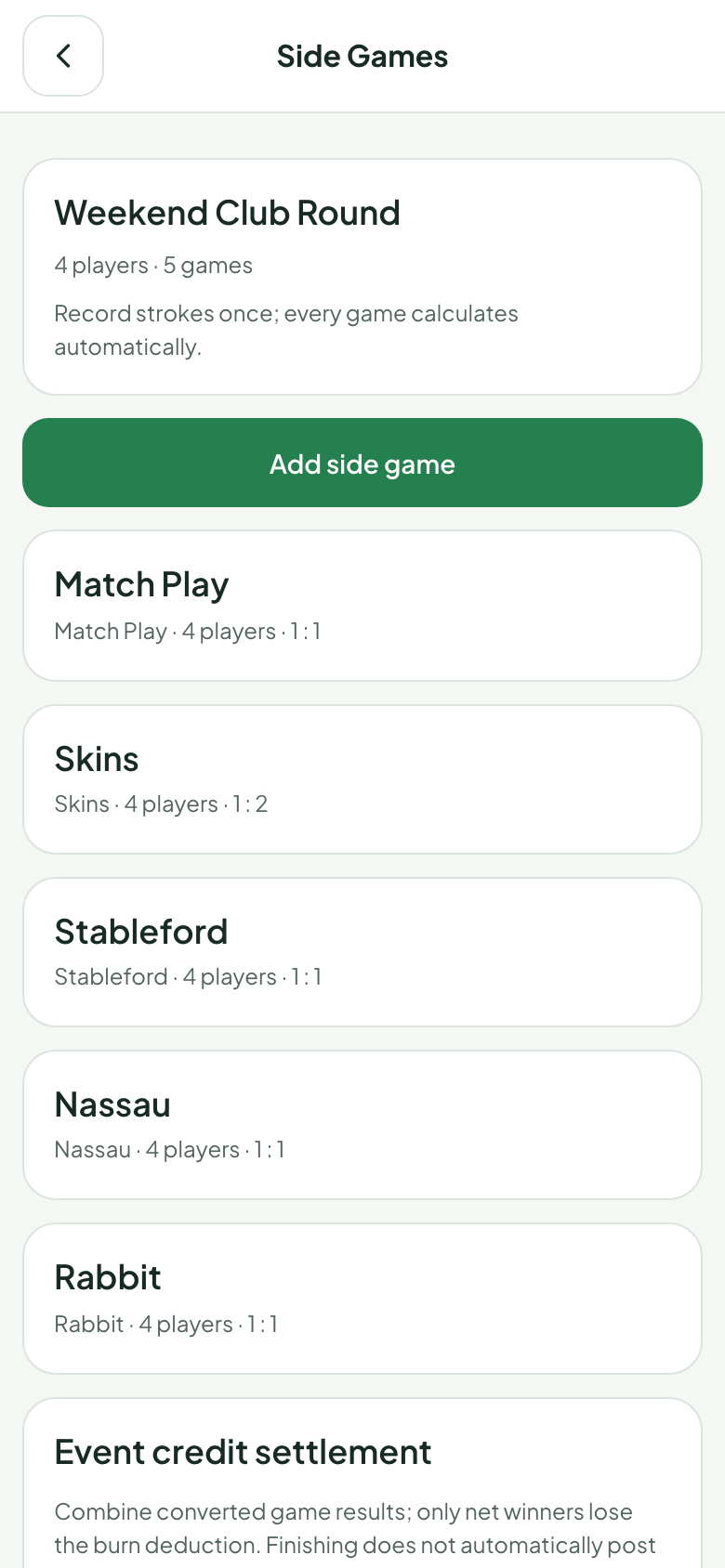
- Add side games. Pick a format, its participants and the available team or scoring settings.
- Agree before play. Review allowances, teams and any format-specific options. Rules lock when play starts.
- Enter hole scores. TeeLab calculates the side-game results. A missing score keeps the relevant hole pending.
You do not need separate score entry for each game. For example, a 4 on a par-4 can contribute to the player’s Stableford points, the Skins result and the Nassau match.
Choose from 13 scoring formats
Start with the contest your group enjoys: total strokes, holes won, a points target or a changing lead. Player requirements and settings vary by format.
| Format | The contest |
|---|---|
| Stroke Play | Total strokes, with the available gross or net configuration. |
| Match Play | Holes won against an opponent. |
| Team Games | Team low ball, high ball or combined scores. |
| Stableford | Points for each hole using the chosen points table. |
| Skins | Outright low scores, with optional carryovers. |
| Nassau | Separate front-nine, back-nine and overall contests. |
| Nines | Nine points shared among three players on each hole. |
| Sixes | Partners rotating over three segments of the round. |
| Lone Wolf | One player facing the rest of the group. |
| Vegas | Two teammates’ strokes combined into a team number. |
| Quota | Points earned compared with a personal target. |
| Rabbit | Capturing, holding and releasing the lead. |
| Aces and Deuces | The unique lowest and highest scores on each hole. |
Use the settings that fit the format
Format settings are specific to the contest. Some support individual play, some compare teams, and some change partners. Select the players and review the options shown for that game.
Where stroke allowances are supported, organizers can assign each player 0, 0.5, 1, 1.5 or 2 strokes on par-3, par-4 and par-5 holes. Stableford can use different points tables for different players. Quota uses personal targets. Vegas uses recorded strokes without allowances.
These custom game settings should be agreed by your group. They are not a claim of official handicap certification. See the individual guides for examples and format-specific restrictions.
Play with friends, with or without a club
A personal round can use side games without a club or a credit balance. This makes it easy to try a format with your regular playing partners.
For an established group, a TeeLab club brings members, rounds and results together. After the platform grants advanced eligibility, the club president can enable internal credits. Credit-based events require every participant to belong to that club. Credits are numerical records with no monetary value; they cannot be purchased, cashed out or redeemed.
Questions about side-game scoring
Do I enter separate scores for Skins and Stableford?
No. Both use the same recorded hole scores. Their rules produce different results from those scores.
What happens if a player has not recorded a score?
The affected hole remains pending. A blank score is not treated as zero, par or a conceded hole.
Can every format use the same handicap settings?
No. Each format has its own settings. For example, Vegas does not use stroke allowances, while Quota compares points with a player’s target.
Can I change rules during play?
Set up and review rules before starting. Game rules lock when play starts.
Where can I learn the scoring?
Start with Skins for outright hole wins, Quota for personal targets, or Rabbit for a lead that can change hands.
Bring your next round into TeeLab.
Start with your players and your course. Keep the round and its results together.
Set up your round →