 TeeLab
Bring your regular group together
A weekly foursome can grow into a club with several groups playing on different days. TeeLab keeps the club’s members and activities together, so each new round has a familiar home.
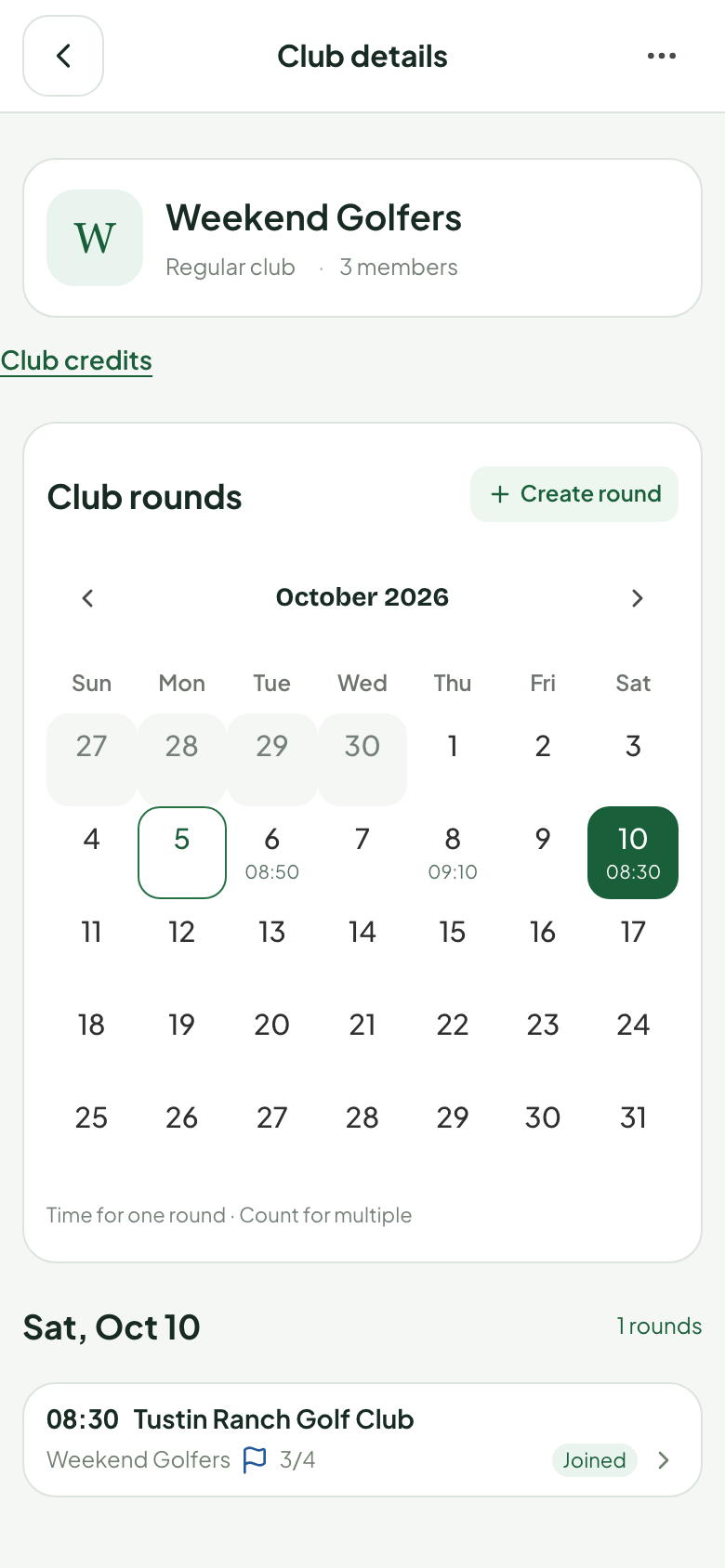
Create a club, share an invitation and manage who joins. Members can find the club’s rounds and review results after play.
Use the club for your playing community and its activities. For a one-off game, you can also create a personal round without creating a club.
Plan the round before the first tee
- Create the club: give your playing group a shared home.
- Set up a round: choose the course, date and tee time, then arrange participation.
- Choose the games: add the formats your players want and agree on their settings.
- Record and review: enter hole scores during play, then check the round and side-game results.
Creating a round organizes your group; arrange the course reservation separately.
Keep the group’s games on the same scorecard
Your club can run a straightforward round or add formats such as Skins, Stableford and Nassau. Record strokes or score to par as usual. TeeLab calculates the configured side games from those hole scores.
Different formats support different player counts, team arrangements and settings. Choose them before play; the rules lock when play starts. Read about the 13 supported side-game formats and use a worked scoring guide to explain the rules to your group.
An optional record across club competitions
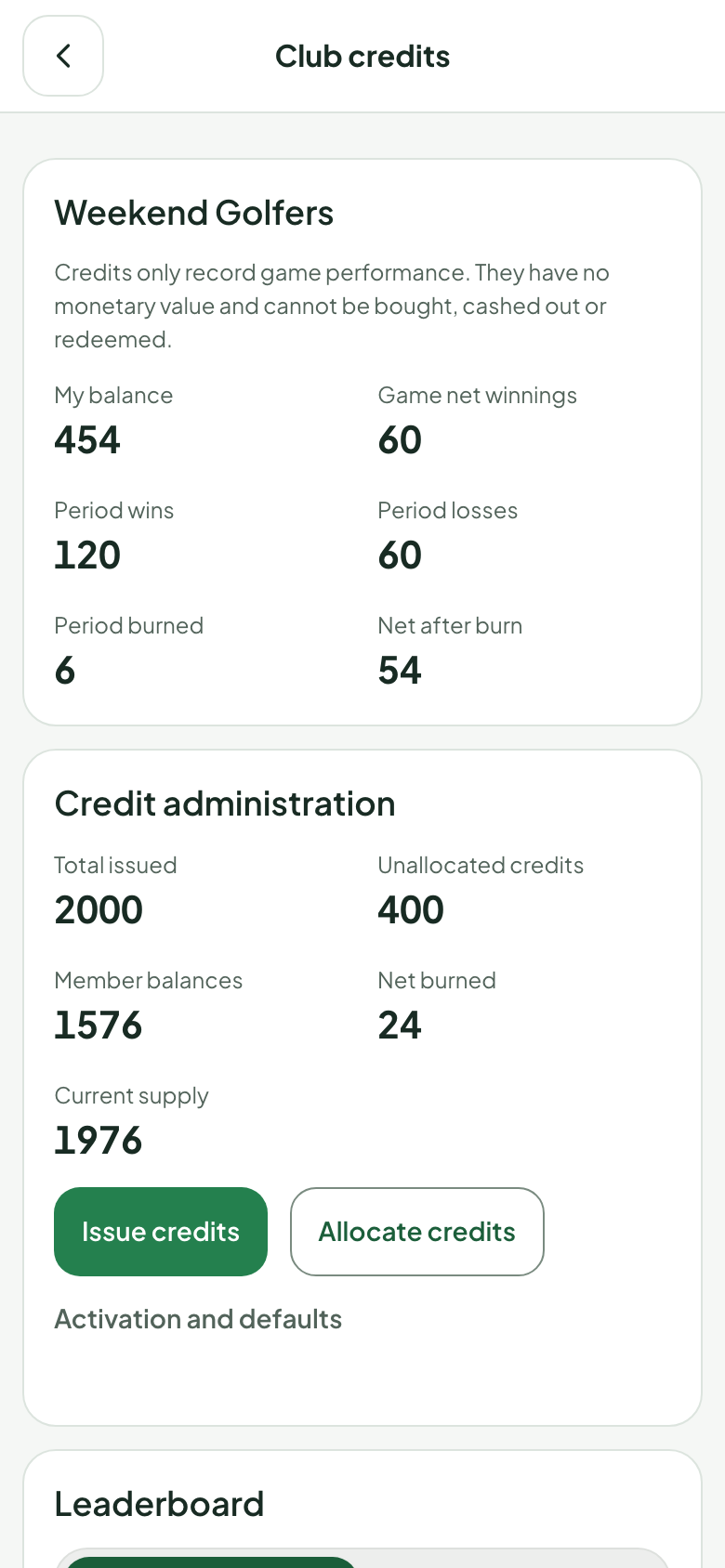
Eligible clubs can use internal club credits to record allocations and competition results over time. The president issues and distributes credits. Members can review balances, cumulative competition results and ledger entries. After the round, an authorized organizer reviews the settlement preview and confirms it before credits are posted.
For each credit-based side game, the organizer chooses how many club credits one game point represents; the default is 1:1. A configured deduction from net winnings destroys credits, and the club retains the destruction history and total.
- The platform must first grant the club advanced eligibility.
- The club president then enables credits.
- Credit-based competitions require every participant to belong to that club.
Credits have no monetary value. They cannot be bought, cashed out or redeemed for goods or rewards, and do not replace fees. See the terms of use.
Questions before creating a club
Does every round need club credits?
No. Round organization, score recording and side-game scoring can be used without credits. Credit activation is a separate club option.
Can I try it for a personal round first?
Yes. Personal rounds support side games without creating a club. Personal rounds remain score-only.
Can members use a browser?
Yes. The Web app supports organizing rounds and recording scores without an app-store download.
Where should a new organizer start?
Create the club, invite your players and organize one round. Introduce a familiar format first, then use the recorded results to help the group choose its next game.
Bring your next round into TeeLab.
Start with your players and your course. Keep the round and its results together.
Create your golf club →