 TeeLab
The standard idea and TeeLab’s default table
Under R&A Rule 21.1, points depend on a player’s score compared with the hole’s fixed target, normally par. The familiar schedule awards two points for the target, three for one below it and one for one above it. Official competitions may apply handicaps according to their terms.
TeeLab’s new Stableford games use recorded strokes against par, with the following default table. The app’s bottom and top bands group extreme scores together.
| Score relative to par | Points |
|---|---|
| Four under or better | 6 |
| Three under | 5 |
| Two under (eagle) | 4 |
| One under (birdie) | 3 |
| Level (par) | 2 |
| One over (bogey) | 1 |
| Two over (double bogey) | 0 |
| Three over or worse | 0 |
Calculate a short example
Alice and Bob use the default table with no personal overrides. All three holes are complete.
| Hole / par | Alice | Bob |
|---|---|---|
| 1 / par 4 | 4 → 2 | 5 → 1 |
| 2 / par 3 | 2 → 3 | 4 → 1 |
| 3 / par 5 | 7 → 0 | 5 → 2 |
| Total points | 5 | 4 |
Alice totals 5 points; Bob totals 4. TeeLab’s separate pairwise game-point change is Alice +1, Bob −1.
The distinction matters with more players. The points total describes the round. The game-point change sums each player’s point difference against every other participant. Neither figure is a monetary amount.
Ties and missing scores are different
Equal point totals remain tied. TeeLab does not silently add a countback, a playoff or an extra-hole tie-break. Equal totals produce zero difference between those two players in the individual calculation.
Official Stableford permits a zero-point hole to be returned without a completed score in circumstances described by Rule 21.1. TeeLab’s recording workflow is different: a blank score remains pending. TeeLab currently needs a recorded stroke score; a blank hole remains pending.
TeeLab reads the same recorded strokes for every configured game. Missing scores keep a hole pending; they are not automatically treated as zero, par or a concession. Set the rules before play and check the results before confirming them.
Personal tables and team play in TeeLab
Individual Stableford supports 2–100 players. Start with the common default table, use the available 8421 preset, or edit the eight scoring bands. Each selected player can follow the shared table or use a separate personal table. Restoring that player to the default removes the override; applying the default to everyone replaces all personal tables.
Personal tables are a club’s scoring choices, not the standard Rules of Golf handicap calculation.
Team mode adds each team member’s own table points and compares the team totals. It can also use configured carryover rules. That is a TeeLab team variant; do not assume it is standard individual Stableford or best-ball Stableford. Agree on teams and tables before the round.
Which points format fits the group?
Choose Stableford to compare accumulated points. Choose Quota when you want to compare points against each player’s individual target. Skins instead requires an outright low score on the hole; Nassau tracks three match segments.
Personal rounds can use these formats without club credits. Optional club credits are internal numerical records with no monetary value. They require platform-granted advanced eligibility, president activation and an event made up entirely of that club’s members. Credits cannot be purchased, cashed out or redeemed. Read the terms.
One recorded round, multiple views
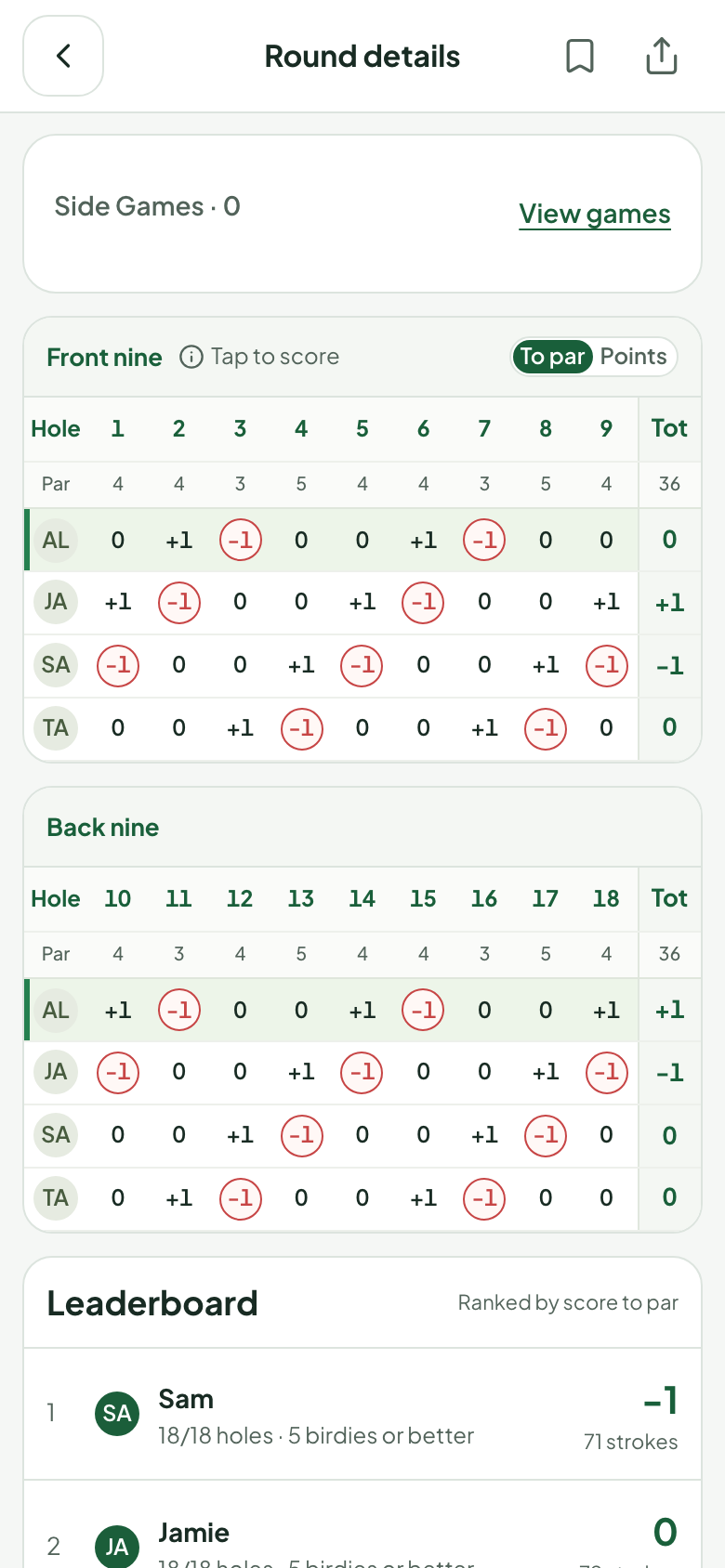
Try the format with your group.
Choose your rules before play. TeeLab calculates the results from the scores you already record.
Open TeeLab on the web →Web 2.0 is available. No download is needed.